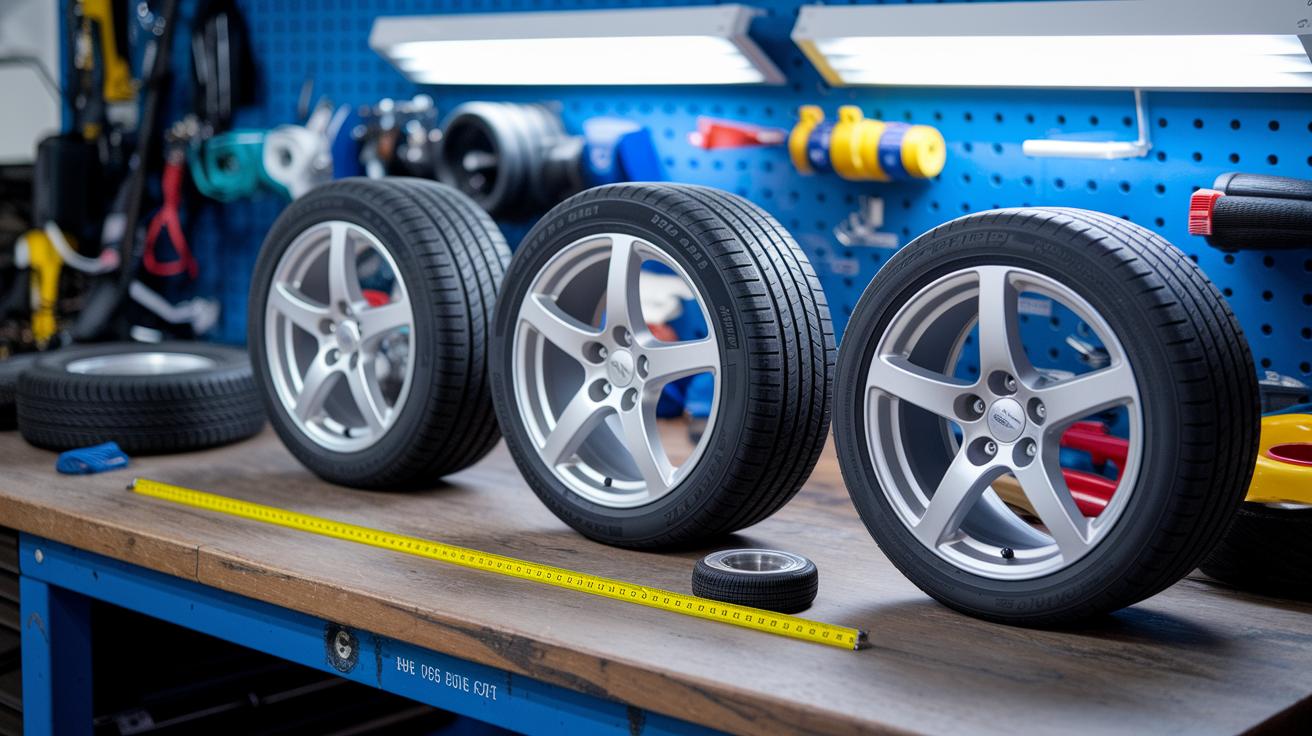


Have you ever thought that a tiny change in tire size might give your car a boost? It’s not just about numbers. When you look at things like tire diameter (the overall size), tread width (the part that touches the road), and sidewall height (the height of the tire’s side), you see how every detail shapes your ride.
We like to compare these key figures side by side. That way, you can spot exactly how a small tweak helps your car grip the road better and even fine-tunes your speed. In this guide, we break everything down in plain, friendly language so you can make smart choices for a smoother, safer drive.
Tire Size Comparisons: Boost Your Vehicle's Performance
When you're checking out how your car runs, comparing tire sizes can give you a quick look at the details that matter. It lets you see things like the tire’s diameter, tread width, sidewall height, circumference, and even how many times the tire spins per mile (which shows how the tire performs on the road). Using a tire size calculator means you can change metric measurements into inches easily. The tool depends on three key numbers printed on your tire: the width (in millimeters), the aspect ratio (a number that tells you how tall the sidewall is compared to the width), and the inner diameter (in inches).
Imagine plugging in these numbers along with details from your car’s door sticker and getting instant, side-by-side comparisons of your current tires and any other sizes you’re considering. Ever notice how a small tweak can change your ride?
Take, for example, two tire options where one has a slightly larger overall diameter. A 1.5-inch increase might actually mean that when your speedometer reads 55 MPH, you're really closer to 60 MPH. That little change can make a real difference in performance.
In fact, many of these tools offer charts for wheel sizes ranging from 13 inches up to 54 inches, listing precise tire diameters so you can quickly compare your options. It’s amazing how just a small difference in size can affect your speed readings and overall performance. This guide gives you a step-by-step look at tire dimensions, helping you pick the best tires to boost your vehicle’s performance.
Reading Tire Dimensions: Decode Sidewall Codes

Figuring out your tire’s size is as easy as reading the numbers on its side. Think of the code 225/45R17 – it has three main parts. First, "225" shows the tire’s width in millimeters, which helps you compare it with other tires. Next, "45" is the aspect ratio (a simple way to say that the sidewall height is 45% of the tire’s width). Finally, "R17" tells you that the tire fits a 17-inch rim.
Often, you'll also see extra details like a load index or a speed rating – maybe something like 94V – which confirms that the tire meets certain performance needs. Your car’s door placard might even list the original tire codes, so it’s a good idea to double-check these numbers. Getting these details right makes sure your tire size comparisons are spot-on and help keep your ride safe.
So, take a moment to check every single digit and ensure your tires are the perfect match for your driving needs.
Tire Size Comparison: Metric vs Standard Conversions
When you need to convert tire sizes, start with the tire’s width in millimeters. To switch from millimeters to inches, just divide the number by 25.4. For example, if your tire is 225 mm wide, dividing 225 by 25.4 gives you roughly 8.86 inches.
Next, you can calculate the tire’s overall diameter. Here’s a simple way to think about it: First, multiply the tire’s width by the aspect ratio (this tells you the sidewall height as a percentage, so for a 45, it means 45%). Then double that number because the tire has two sidewalls. Finally, add the wheel’s diameter. Taking a 225/45R17 tire as an example, multiply 225 by 0.45 to get about 101.25, double that to account for both sides, and then add the 17 inches of the rim.
Once you have the diameter in inches, finding the circumference is easy. Just multiply the diameter by 3.14 (that’s our stand-in for π). And if you’re curious about how many times the tire spins in one mile, simply divide 63,360 inches (since one mile equals 63,360 inches) by the tire’s circumference. This step-by-step guide lays out all the key measurements in a clear, simple way.
Tire Size Comparison Tools: Charts & Calculators Explained

Static charts are like quick snapshots of tire sizes sorted by wheel diameter. You might see a metric chart that lays out dimensions for each wheel. For example, a 13-inch wheel chart could show tire sizes of 21 inches, 22 inches, 23 inches, and 24 inches. There are also cross-reference tables that match tire sizes from 21 inches up to 58 inches with different wheel sizes. Imagine glancing at a chart and noticing that a 15-inch wheel offers a lot more options than a 13-inch one.
An interactive measurement tool works like a friendly helper. You just type in the tire sidewall codes, its width, aspect ratio (that’s how tall the tire’s side is compared to its width), and inner diameter, and it instantly shows a side-by-side view. This tool even catches tiny changes, like how a small increase in diameter might change your speedometer reading. Try entering 205/55R16 and see how even a little tweak can shift your speedometer numbers.
Tire Size Comparisons: Boost Your Vehicle's Performance
When you compare tire sizes, each vehicle acts a little differently. Cars, trucks, and motorcycles all have tire needs that can change how they handle on the road. Even a tiny shift in tire diameter might make your speedometer show 55 MPH when you're really going 60 MPH.
Trucks often roll on heavy-duty tires with wheels between 15 inches and 24 inches. Charts can show you the tire's exact diameter and its circumference (the distance around the tire, which tells you how fast it spins). If you switch to slightly larger tires, you might feel a change in the handle when braking or making quick turns because the sidewall height (that small rise along the tire) also changes. And it feels great when a clearance check shows that everything fits nicely without messing with your brakes.
Motorcycles are a different story. They usually have rims from 17 to 21 inches and tire widths between 100 and 180 mm (millimeters measure the tire’s width). Even a small tweak in the tire’s shape can change the lean angle or the grip on the road. It’s a bit like swapping a firm ride for one that feels a little looser.
Cars aren’t left out, either. Changing tire dimensions can affect how a car hugs corners or reacts during sudden stops. That’s why many drivers use a vehicle-specific calculator that shows side-by-side tire stats, it helps you see the differences clearly.
- Speedometer error examples
- Handling variations
- Clearance checks for fenders and brakes
All these comparisons let you choose the best tire upgrade for your vehicle so your ride stays at its peak. Ever notice how a smooth ride can make a day feel a bit brighter? This little tweak might be the key to that perfect drive.
Tire Size Comparison: Best Practices for Upgrade Selection

Before swapping out your tires, make sure everything fits your ride just right. Check that the load index (how much weight a tire can carry) and speed rating match your car’s needs. That means comparing these numbers with what your car’s door placard shows. A small mistake here might change how your car handles or even mess with your speedometer. It really helps to look at wheel charts side-by-side so you can see other size options clearly.
Take a minute to run through this checklist:
- Match the load index and performance rating with your car’s requirements
- Make sure there’s enough space between the wheel, fender, and caliper
- Use side-by-side charts to check alternative tire sizes that might work better
- Double-check your numbers against the OEM door placard
- Keep in mind any changes that might mean you need to recalibrate your speedometer due to size differences
Following these tips gives you a clear picture of what will work best for your car. Each step helps you avoid hassle and keeps your ride smooth and safe on the road.
Final Words
In the action, we broke down tire size comparisons and explored side-by-side metrics that matter. We looked at reading tire labels and converting numbers from metric to inches to get the full picture of tire performance. Each section helped show how simple it is to check tire dimensions for the best fit and performance on any vehicle. Whether it’s for a car, truck, or motorcycle, these tips help you choose optimal tires and keep them performing at their best. Enjoy the ride, and drive on with confidence.
FAQ
How do tire size comparisons in inches using charts and calculators work?
The tire size comparisons in inches provide a side-by-side view using charts and calculators. They convert metric measurements into inches, offering clear details like overall diameter and tread width.
How does a tire size comparison visualizer and calculator help me compare tire dimensions?
The tire size comparison visualizer and calculator allow you to input sidewall codes and instantly see key metrics. They show dimensions such as diameter, circumference, and revolutions per mile for easy side-by-side analysis.
What is the 3% tire rule?
The 3% tire rule means a tire’s overall diameter should stay within about 3% of the original size. This keeps your speedometer reading accurate and maintains safe vehicle performance.
Is a 275 tire the same as a 33 tire?
The tire size comparison shows that a 275 tire isn’t automatically the same as a 33 tire. Differences in aspect ratio and overall diameter mean you must check all measurements carefully.
How much larger are 70 series tires compared to 65 series tires?
The tire size comparison between 70 and 65 series tires reveals that 70 series tires are generally larger, offering a bigger overall diameter which may affect handling and speedometer calibration.
Is a 285 tire taller than a 275 tire?
The tire size comparisons indicate a 285 tire is usually taller than a 275 tire. Still, it’s important to confirm aspect ratios and rim sizes to ensure you get the right fit.

