


Ever thought a glitch in your smart tire system might cause a big problem on the road? A small error in one of those sensors might not seem like much, but it can bring along issues that cost you time and money.
In this post, we're chatting about some quick, simple fixes you can try right at home. We'll walk you through checking your alerts and resetting your system so you can stay safe and keep your ride smooth.
Sound good? Let's dive into the steps that might just save your day on the road.
Step-by-Step Troubleshooting Workflow for Common Smart Tire Issues

When your smart tire system acts up, a clear, step-by-step plan can really help. It takes the guesswork out of troubleshooting and can save you time and money. A good checklist keeps your drive safe and lets you decide when it's time to call in an expert versus trying a simple fix yourself.
Think of it like this: if you notice a warning light or sensor alert while driving, pulling over safely to write down the issue can stop bigger problems later. This routine not only keeps your system in check but gives you peace of mind knowing what to do next.
- Stop your car in a safe spot and note any TPMS alerts.
- Grab a handheld tire pressure gauge and check if your tire pressures match the recommended levels.
- Look over each sensor housing for any obvious damage or debris that might be messing with it.
- Follow the TPMS reset steps in your car manual after a sensor glitch.
- After a tire rotation or change, reprogram the sensor IDs using your vehicle's relearn steps.
- If a sensor seems to be running out of battery (think of it like your phone running low), replace it, especially in models with replaceable cells like the GUTA GT80.
- And if things still aren’t right after these checks, it's a good idea to reach out to a professional for a deeper diagnostic scan.
Following these steps makes it easier to sort out issues from simple tire pressure problems to more serious sensor faults. It’s like having a trusted mechanic guide you along the way, helping you avoid surprises and keeping your ride steady.
Identifying and Interpreting Smart Tire Sensor Errors

If you see your TPMS warning light either glowing steadily or blinking before it finally settles, it might mean there's a sensor issue. Sometimes, when the light stays on, the sensor is having a hard time sending its message, or if it's blinking oddly, it could just be a small hiccup. In plain terms, things like a weak battery (what helps the sensor work) or a sensor that isn’t sitting in the right spot can cause these mix-ups. Ever noticed how a sensor can wander after a tire service, making the pressure reading seem off?
It usually comes down to a few clear reasons. For example, if your tire pressure reading is off, it might be because the sensor moved slightly during a tire rotation. Or, if the sensor battery is tired, you might get no signal or a weak, blinking one that confuses the system. And if you’ve got custom rims or aftermarket wheels, they can make the data look funny too. New sensor technology – like those innovative auto sensors we see today – usually helps cut down on these errors.
Knowing what the light is doing can really help you spot the problem. A steady light often means there's a constant error, while a blinking light may point to a temporary glitch that might clear up after a quick reset. Checking each sensor one at a time can pinpoint if one sensor’s pressure reading doesn’t match the others. This way, you can fix the problem quickly without worrying too much.
Resolving Connectivity Loss and Wireless Interference in Smart Tire Systems

Smart tire systems need a solid connection so you can keep an eye on your tires and drive safely. It’s like having a clear radio signal that lets every sensor send real-time data on tire pressure and temperature. If the connection isn’t steady, you might see wrong data that pulls your attention away from checking your tires.
Many things can mess with these signals. Nearby radios or even a lot of dust can block or change what the sensors send. Sometimes, if your tires get really wet, that deep water can cause a brief mix-up in the connection. Even though the sensors are built to keep out water and dust, it’s a good idea to take a look at them now and then to make sure there’s no debris or damage. A quick reset , turning the sensors off and on , can clear small glitches so each wheel shows a strong, steady signal.
Sometimes, the issue comes from a mismatch between what the sensor is sending and what the car’s computer (ECU) expects. Giving all the sensors a restart usually brings the connection back. And if that doesn’t do the trick, checking for software updates can help fix bugs in the wireless setup. Updated software patches can smooth out those issues and make sure every sensor talks correctly with the ECU. If problems stick around, it might be time to call a technician to take a closer look.
Calibrating and Resetting Smart Tire Sensors for Accurate Readings
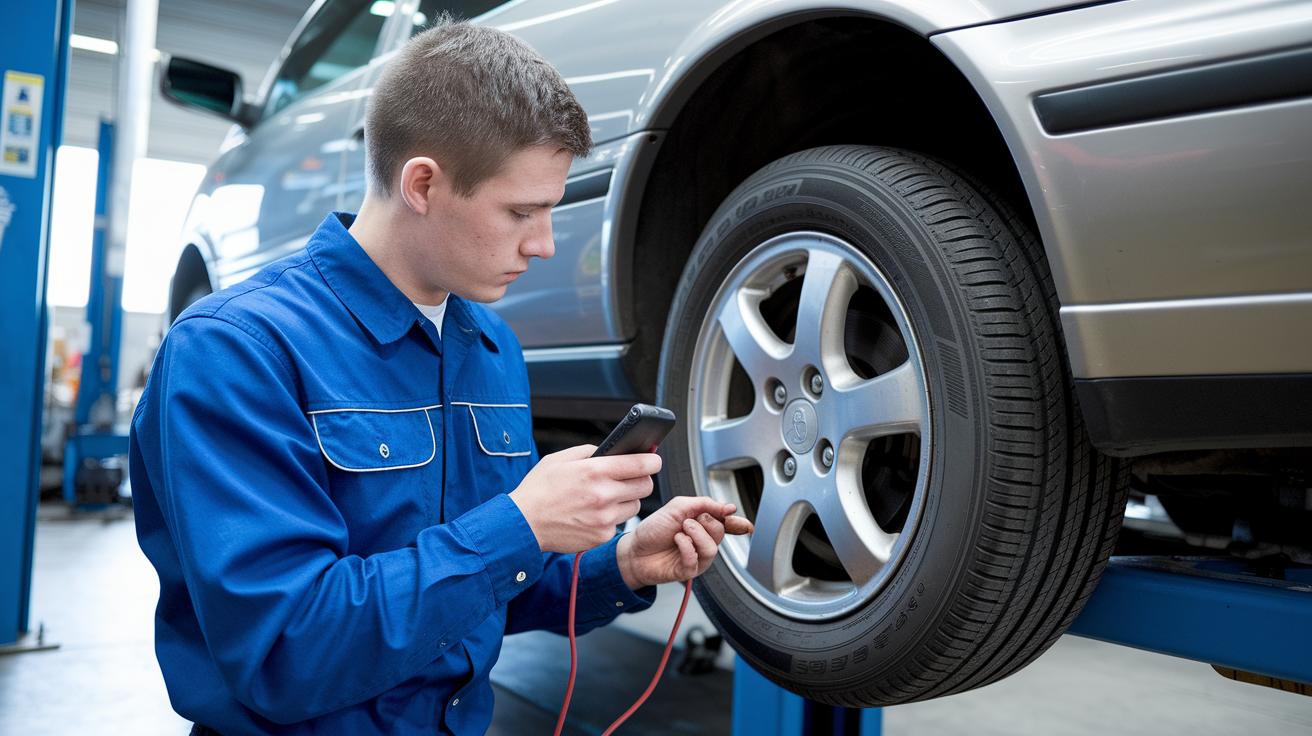
When it’s time to get your smart tire sensors working right again, you can choose one of two paths. You can simply take your car for a spin so the sensors slowly sync up with your vehicle’s computer. Or, you can use a handy tool that plugs into your car’s OBD-II port (that's the little plug under your dashboard that talks to your car). Both ways help your sensors know exactly where they belong after a tire rotation or any similar service.
Before you start, double-check that every sensor is sitting snugly on its wheel. It’s also a good idea to make sure your car’s computer (ECU) matches up with the right sensor positions. You can look for messages on your car’s display or use a TPMS tool (a device that checks tire pressure sensors) to see if everything is in line. Sometimes, a skewed sensor angle or a full ECU memory can throw off your readings, so it really pays to be careful.
To keep things running smoothly, be extra careful during any tire service to avoid shifting the sensor position. Regular checks can catch any little moves before they become big problems. And if things still seem off, just go back and run through the calibration steps again. With advanced tools now available, you can even try out some automated systems that promise to keep your smart tire setup in tip-top shape.
Maintenance Best Practices and When to Seek Professional Support for Smart Tire Health

Taking care of your smart tire system is simple when you stick to a routine. Every month, check your tire pressure with a trusted gauge, especially before long trips. Have your technician mount and balance your tires with extra care so the sensors don’t get hurt. Keep sensor parts clean, get rid of any corrosive debris or leftover sealant, and use IoT-enabled platforms (that’s tech which sends you live updates) to keep an eye on your tires. Also, book regular check-ups to catch any small issues before they turn into big problems.
If fault codes keep popping up despite these checks, it’s time to chat with a professional. A trained technician can run a full diagnostic scan that spots problems regular checks might miss, ensuring your sensor system works as it should. This way, you won’t be left worried when minor issues start to grow, keeping your ride safe and smooth every time you hit the road.
Final Words
In the action, we broke down steps for testing, reading, and fixing smart sensors. We covered verifying TPMS alerts, checking tire pressure with a gauge against manufacturer specs, and resetting the system following sensor faults.
Every tip helps you keep ahead of troubleshooting common smart tire issues. With clear instructions on calibration, connectivity checks, and maintenance care, you can confidently handle minor fixes and know when to get expert support. Stay safe and enjoy a smooth drive.
FAQ
What does the COATS tire machine troubleshooting PDF or repair manual provide?
The COATS tire machine troubleshooting PDF and repair manual offer clear, step-by-step guidance. They explain how to check common issues, verify parts, and follow simple repair instructions for smoother machine operation.
How do I troubleshoot a tire changer?
The tire changer troubleshooting steps show you how to inspect parts for debris, check pressure readings against specs, and adjust settings. This process helps get your tire changer running safely again.
How do I fix issues with Bendix smart tires and program the TPMS sensor using the smart tire tool?
Bendix smart tire troubleshooting tips explain how to check sensor signals, use the dedicated tool for clear readings, and program TPMS sensors following the manufacturer’s instructions to maintain proper system performance.
What is smart tire diagnostic software and how does it help?
Smart tire diagnostic software monitors sensor data by comparing readings with standard values. This software quickly detects faults and provides alerts so you can address issues before they become bigger problems.
Why might my tire machine bead breaker not be working?
A bead breaker that isn’t working may signal worn parts or settings that need adjustment. Checking power connections, mechanical alignment, and settings usually helps restore smoother function.
What are the two most common mechanical TPMS sensor problems?
The two most common mechanical TPMS sensor problems include physical damage to the sensor housing and battery failure, both of which can cause weak or intermittent signals.
What is the 7 7 rule for tires?
The 7 7 rule for tires means you should inspect and maintain your tires every 7 days or 7,000 miles. This guideline helps keep your tires in good condition for safe driving.
How do I troubleshoot a tire sensor?
Troubleshooting a tire sensor means checking for physical damage, verifying pressure readings with a handheld gauge, and following reset instructions to recalibrate sensor IDs after changes.
What are the two most common causes of tire failure?
The two most common causes of tire failure are improper inflation and advanced tread wear. Both lead to reduced grip and performance, which can impair safety on the road.

